Fantasy on your desktop
Wizard Factory Screen Saver
Turn idle moments into a magical workshop.
A whimsical animated wizard factory screen saver for Windows. Family-friendly, lightweight, no ads.
Published · In Microsoft Store · Update awaiting release · Product ID 9NVTBV52G1FM
The current Microsoft Store listing
What you can do.
Turn your idle PC into a magical workshop with Wizard Factory Screen Saver. Animated wizards, glowing potions and enchanted machinery bring a whimsical fantasy factory to life on your Windows desktop whenever your computer is idle.
Lightweight, family-friendly and easy to use: install it, pick it in Windows screen saver settings, and enjoy a calm, colorful display that protects your screen and adds personality to your workspace. No accounts, no ads, no data collection.
From the makers at dootoob.com.
How to use
From opening the app to a useful result.
- 1
Launch the app and preview the animated workshop.
- 2
Choose the available scene or display options.
- 3
Start the screen saver and move the mouse or press a key to return.
- 4
Use the current Store listing for supported-device and release information.
See it before you get it
Explore the app.
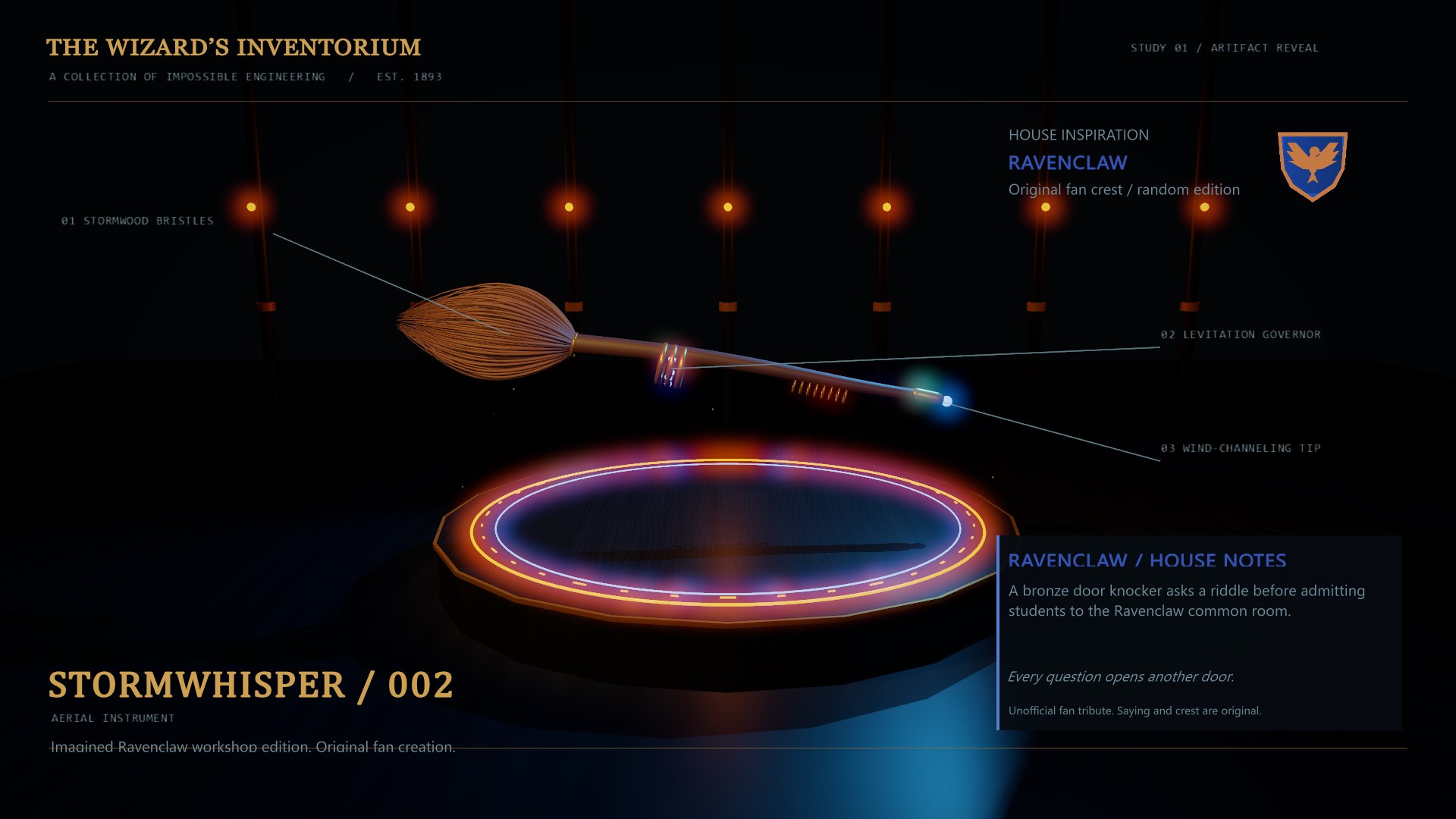
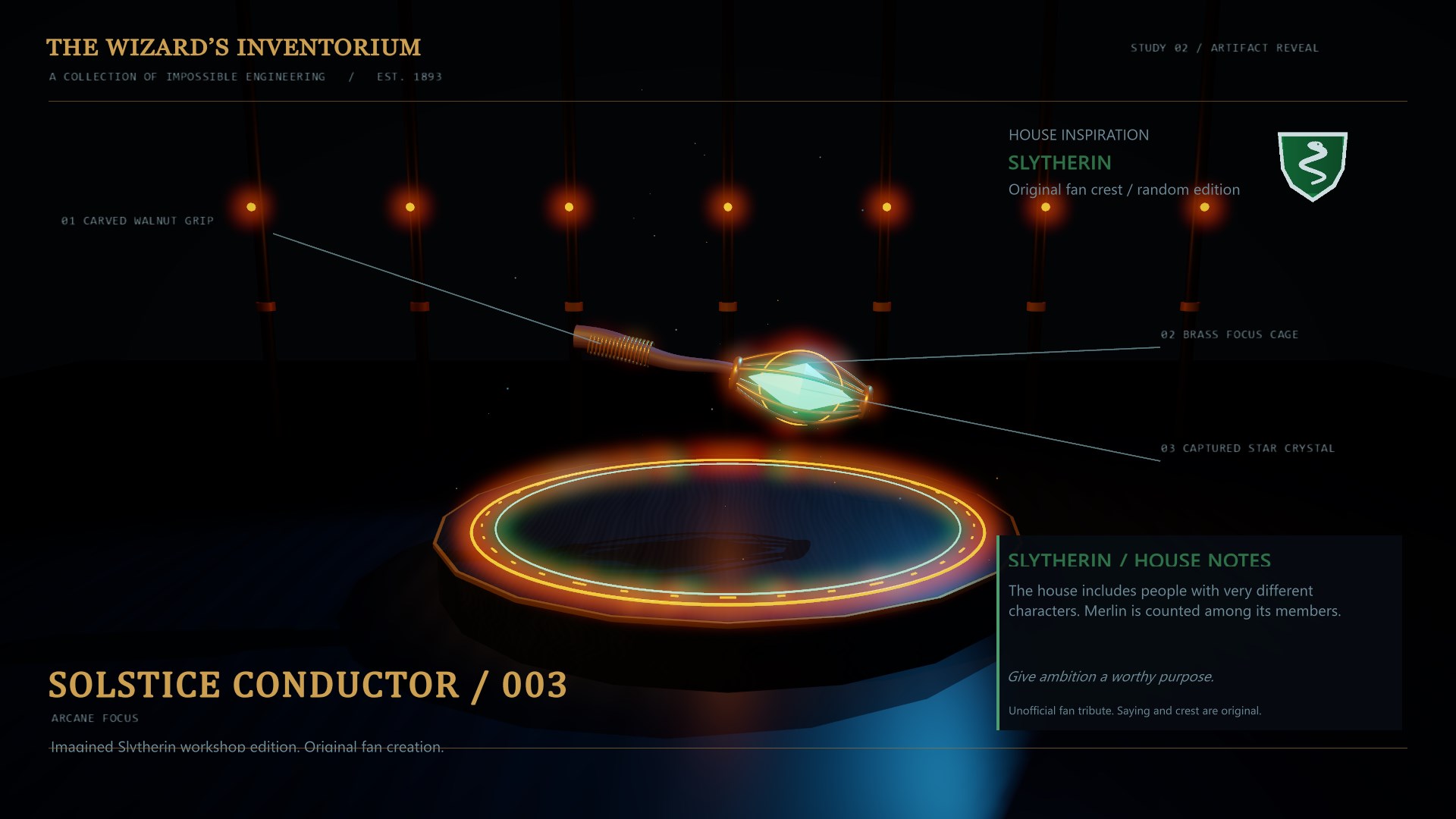
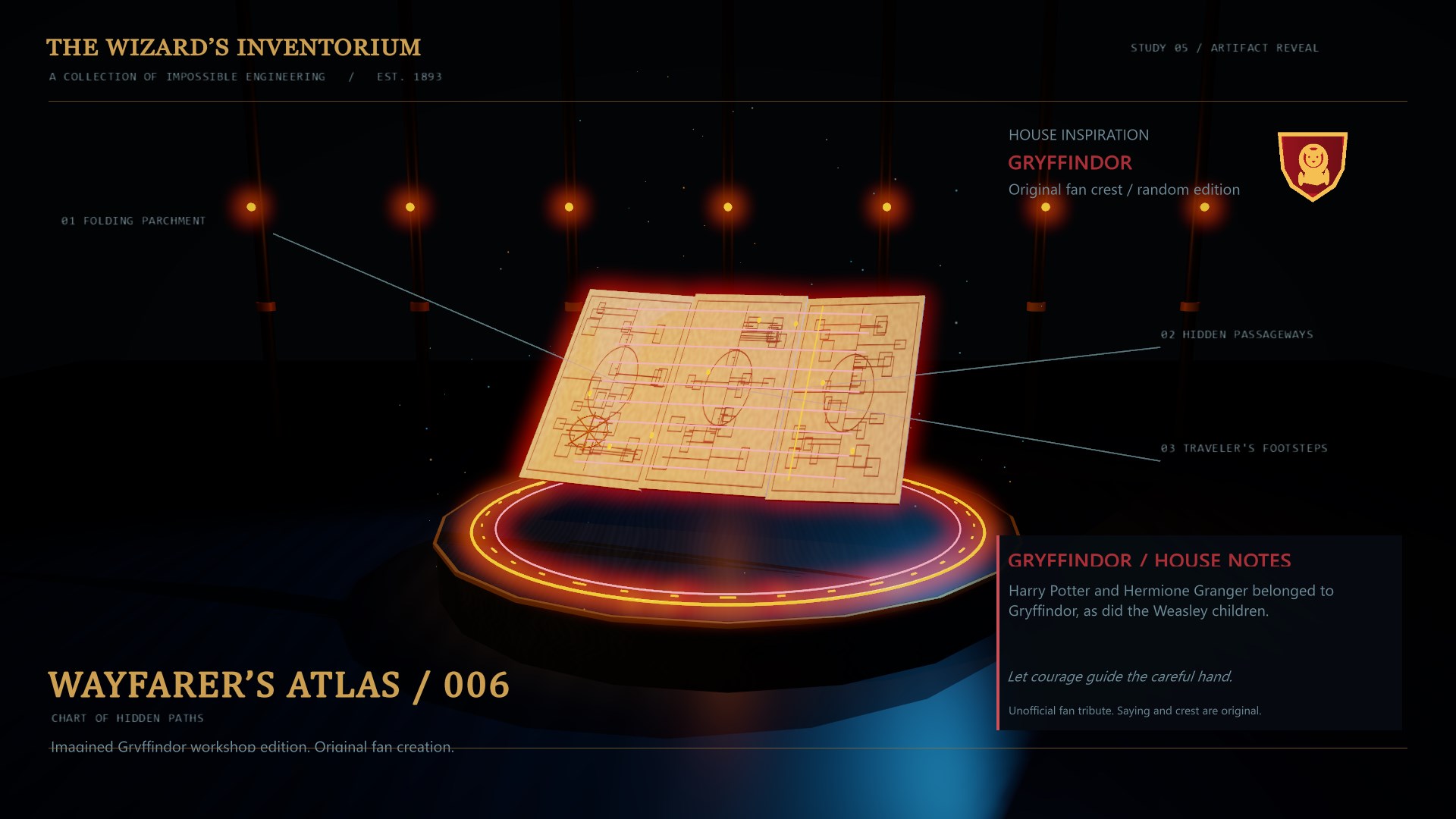
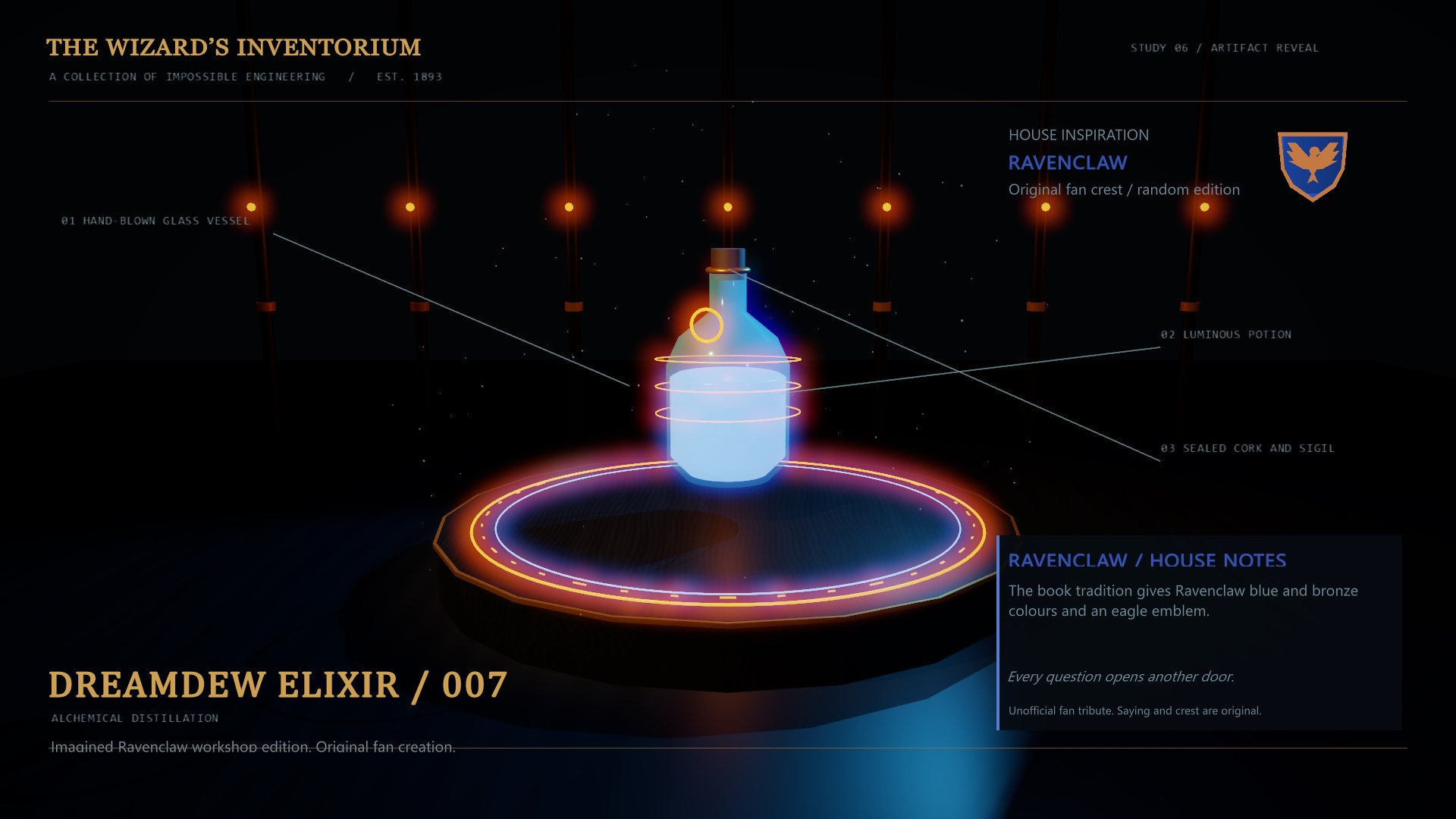
All 10 screenshots from the current Store listing. Select any image for the full-size original.


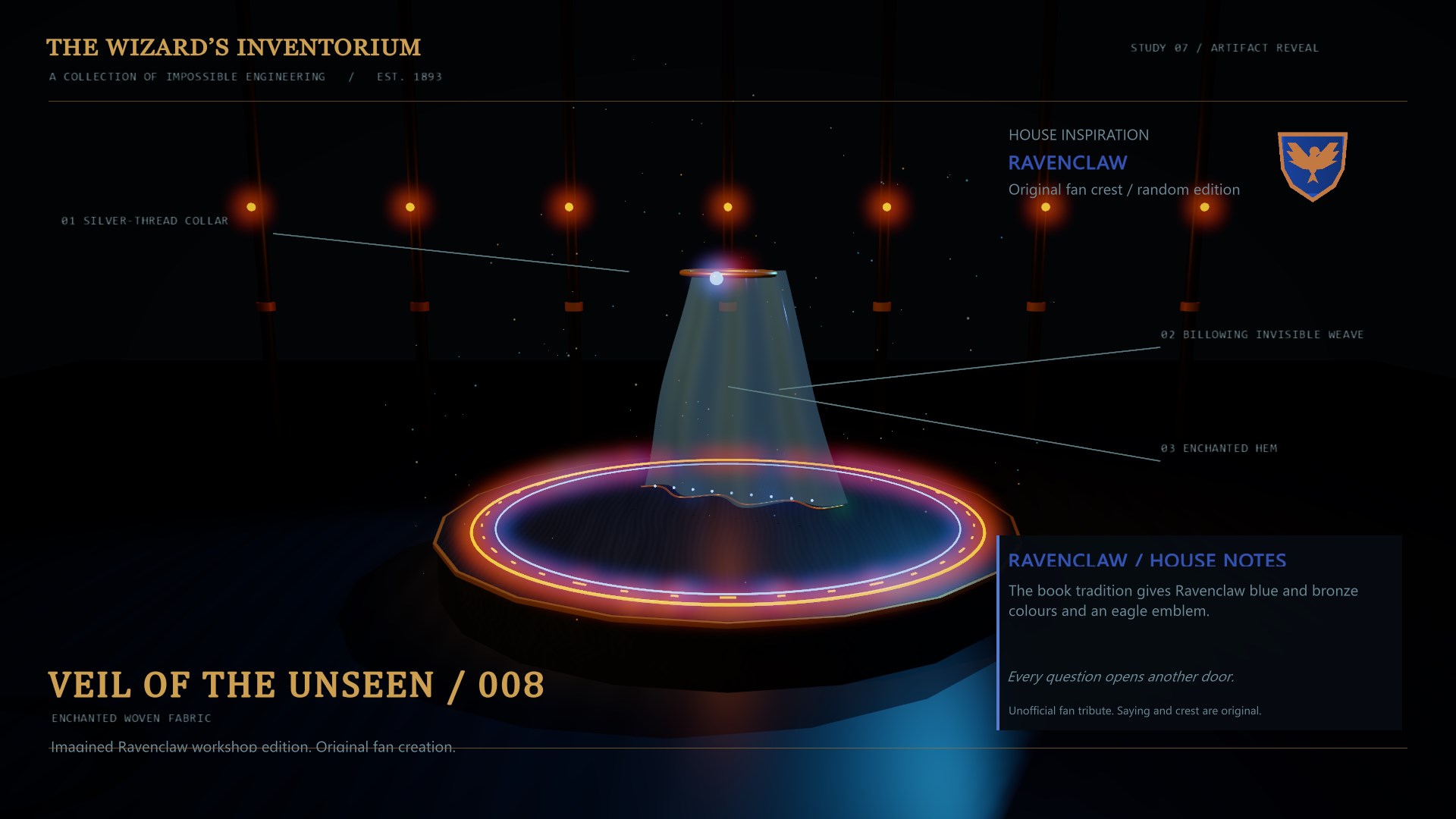
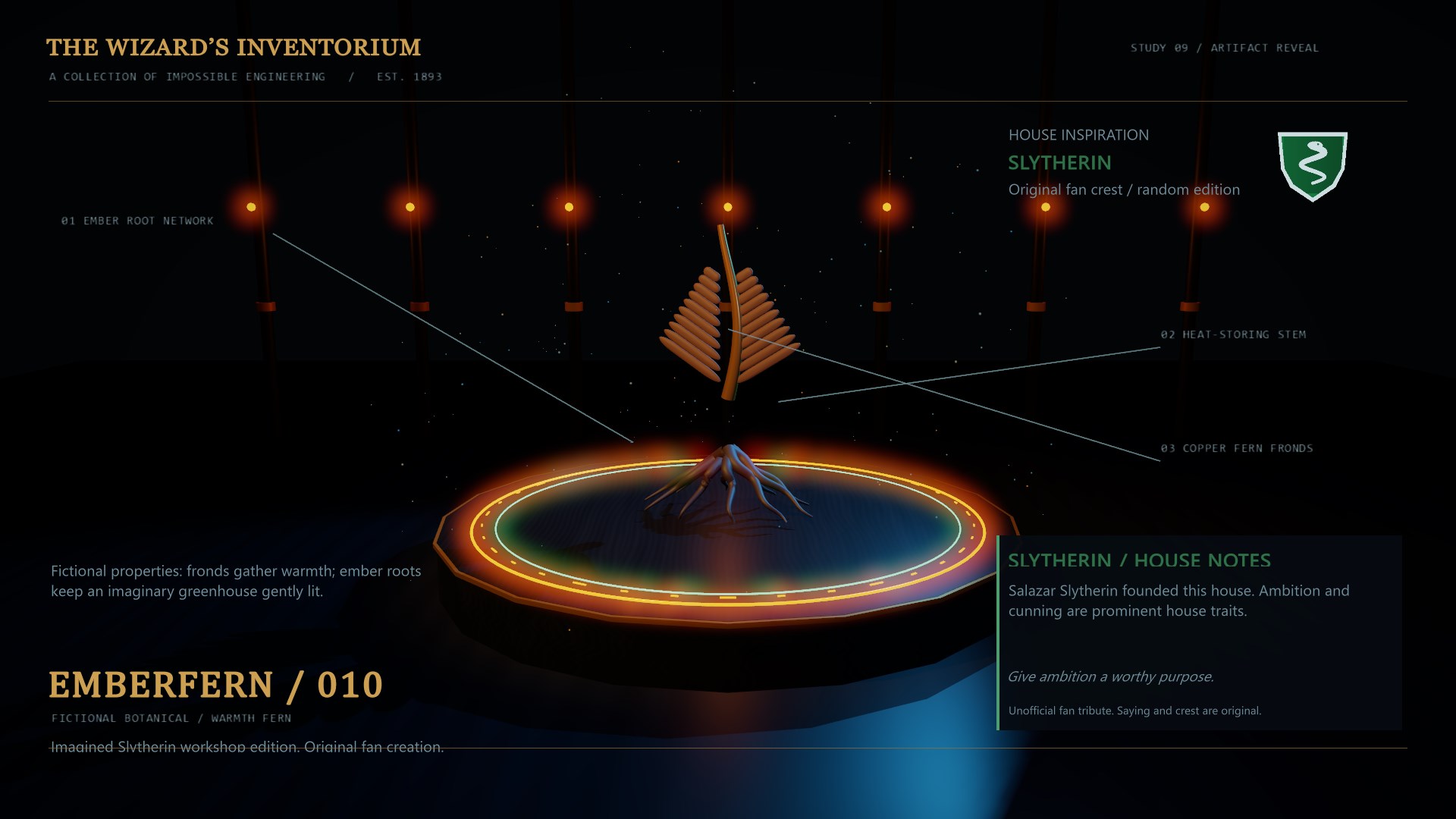

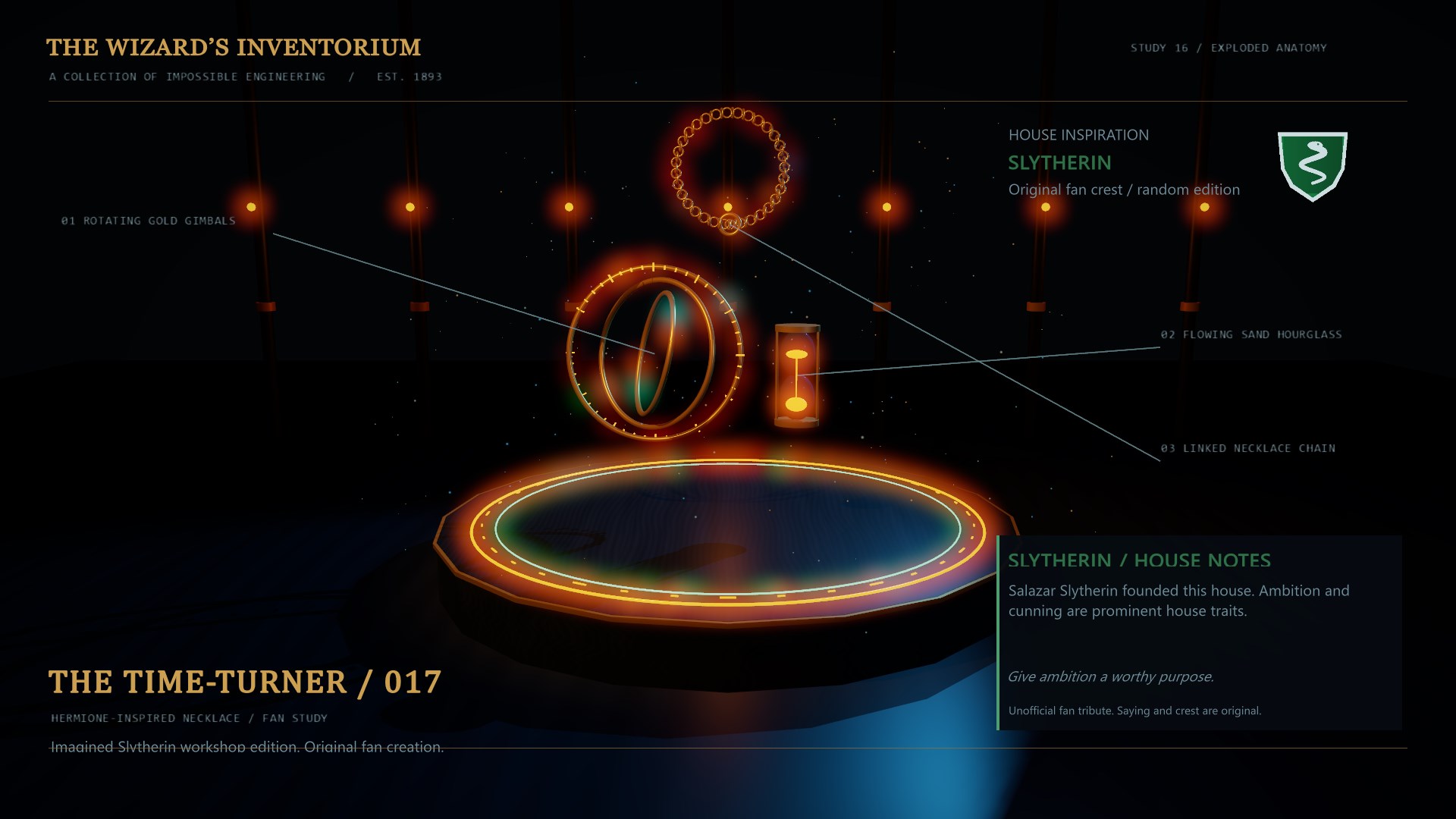
Open the Microsoft Store listing to see the current price, trial options, system requirements and reviews.
Your purchase and installation are handled by Microsoft Store.
App details.
Publisher: Team2020. Availability, requirements and purchase options are shown on the live Microsoft Store page.
App information and screenshots checked against the public Store listing on October 20, 2026.
Read the full Store listing ↗ · Privacy informationWizard Factory Screen Saver
Turn idle moments into a magical workshop.
Get it in Microsoft Store ↗← Explore all Microsoft appsMore from DooToob