Notes discovery and export
Get My Notes for OneNote
Discover local note sections, search first, choose the notes you want and export selected notes into useful files.
Discover local note sections, search first, choose the notes you want and export selected notes into useful files.
Published · In Microsoft Store · Product ID 9NPLB840WBB2
What it does
Get My Notes for OneNote
Discover local note sections, search first, choose the notes you want and export selected notes into useful files.
This page is based on the app’s own help material and current Partner Center record. Availability, pricing and release timing can change in Microsoft Store.
How to use
From opening the app to a useful result.
- 1
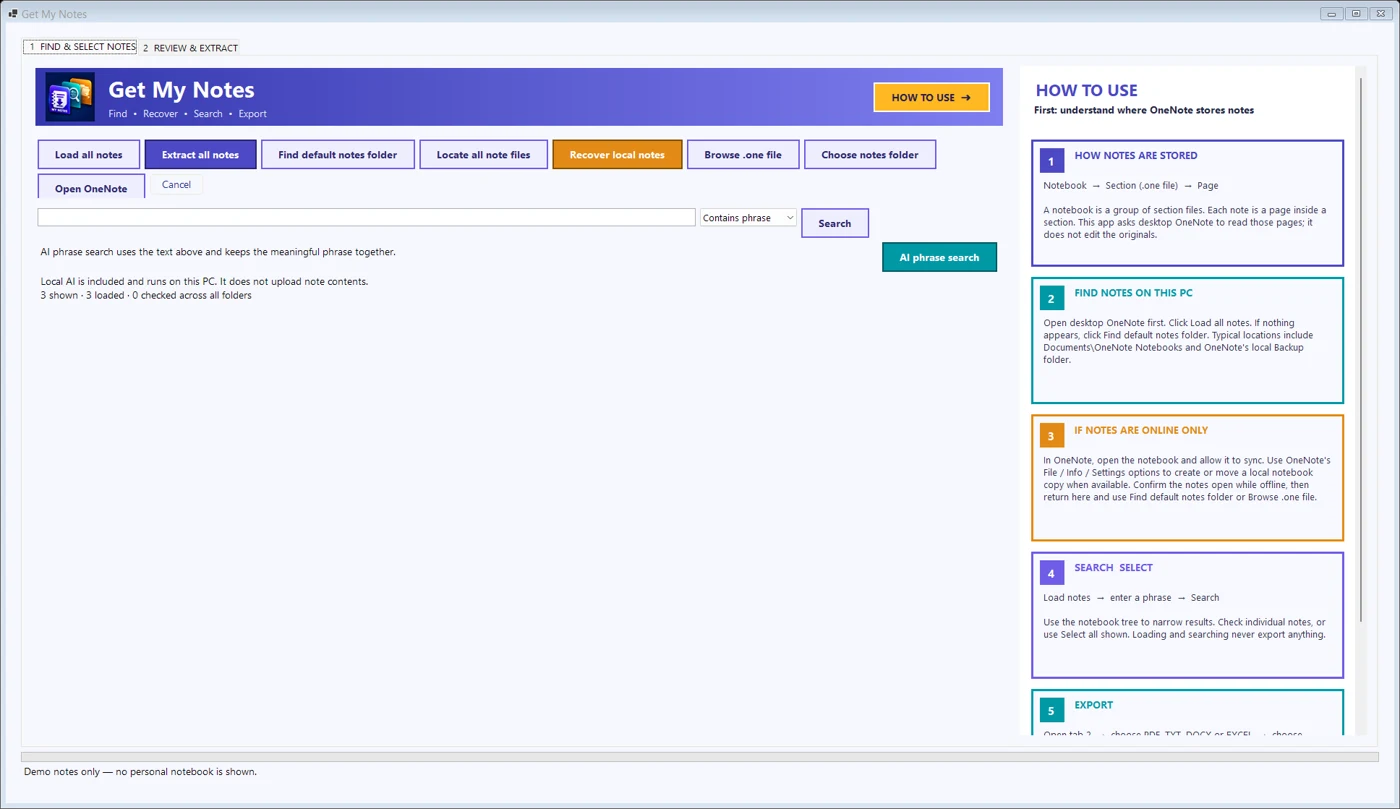
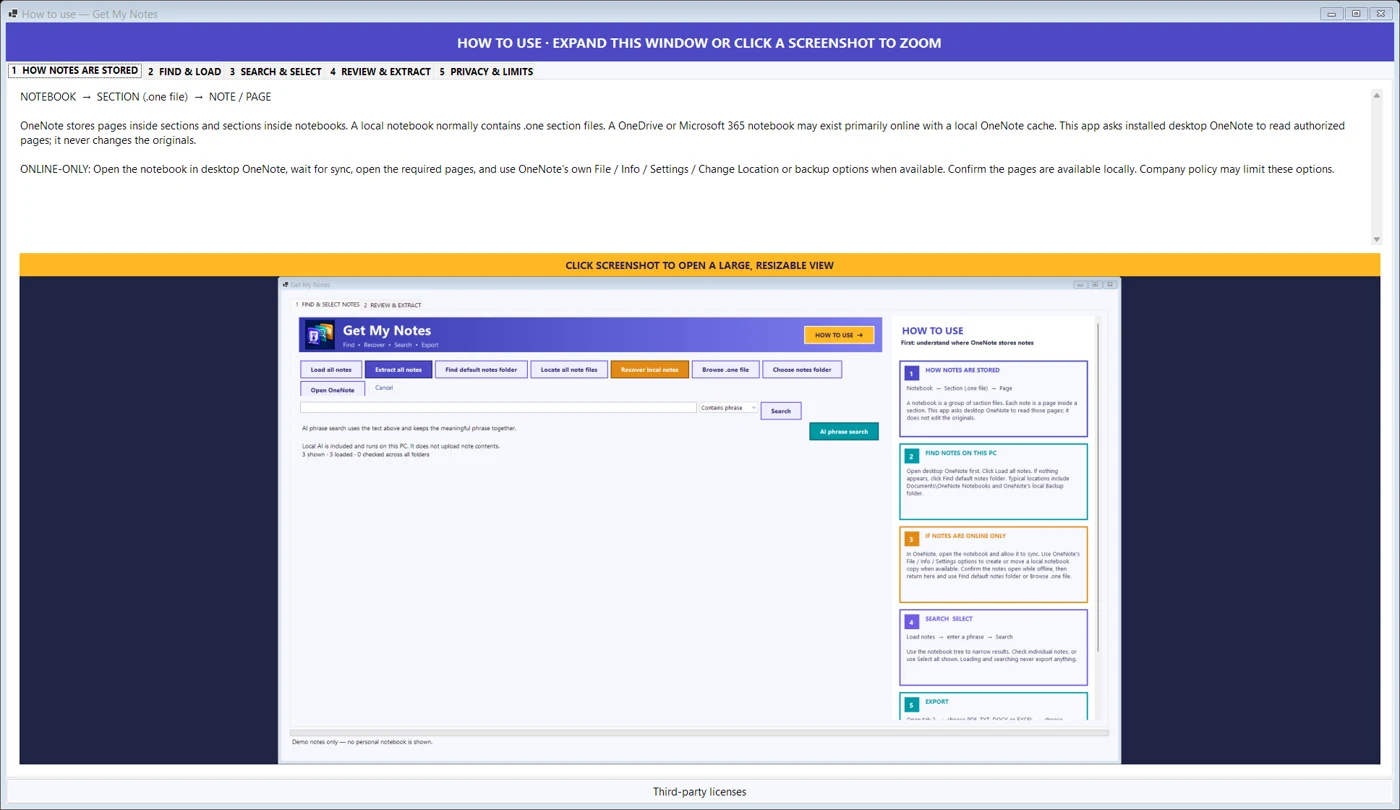
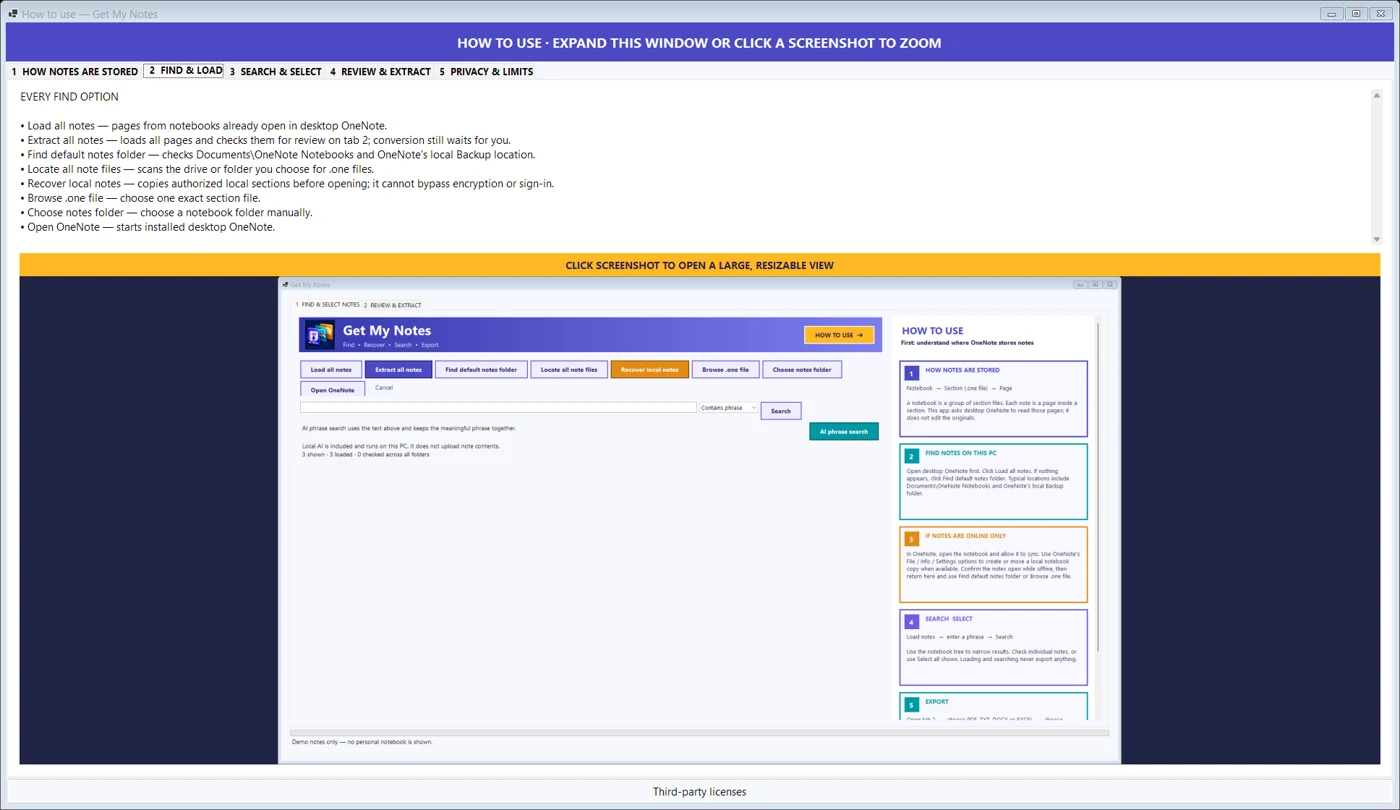
Click Find my notes and open individual .one section files when discovery needs help.
- 2
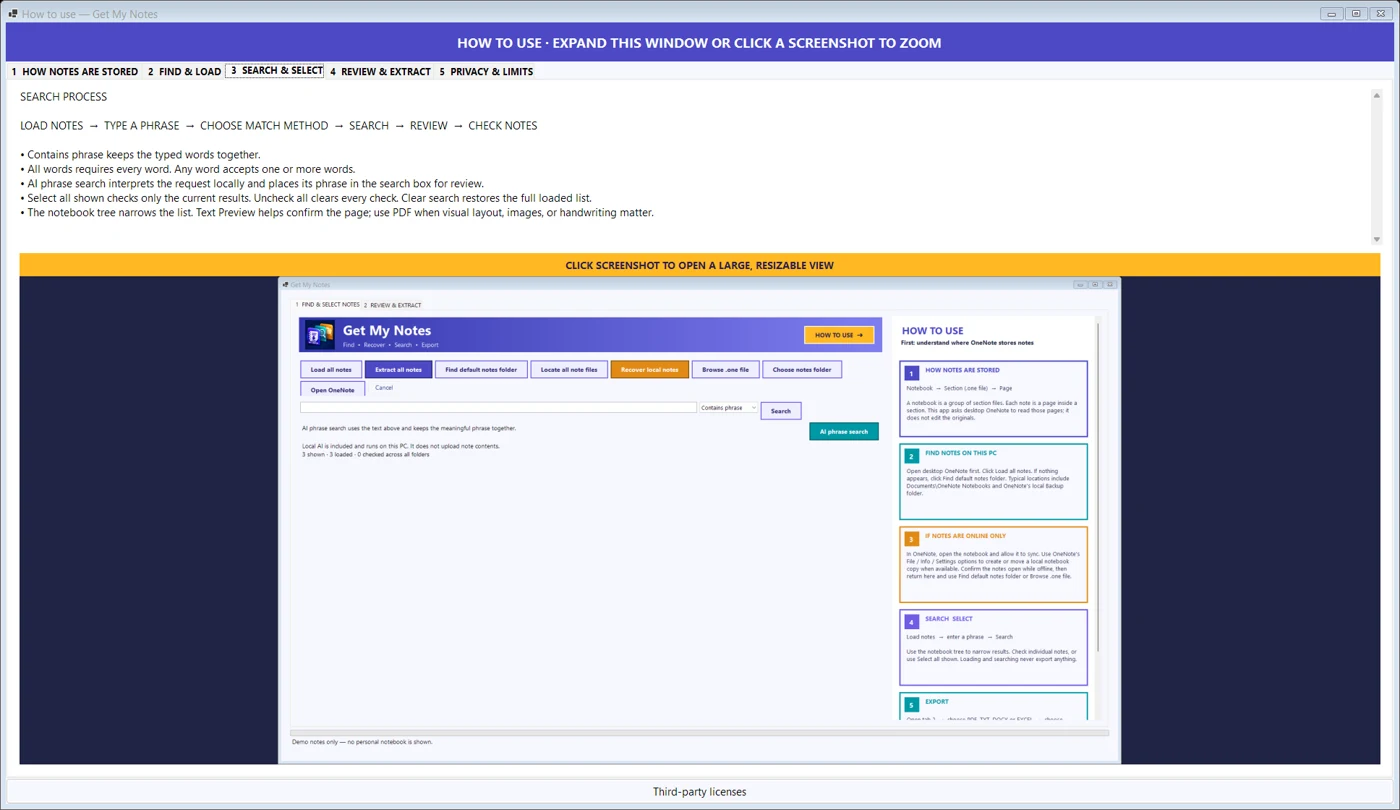
Search by phrase, all words or any word; local AI can suggest editable keywords.
- 3
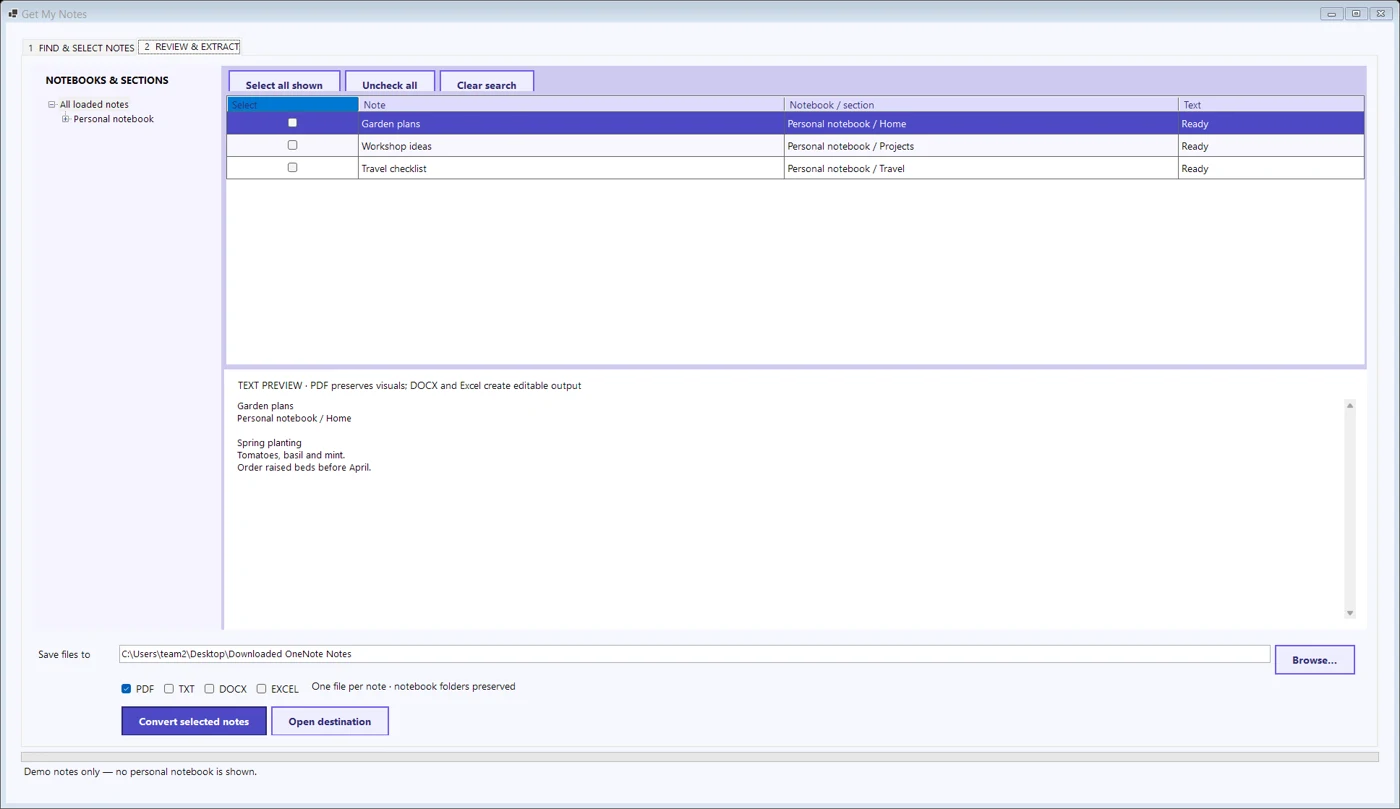
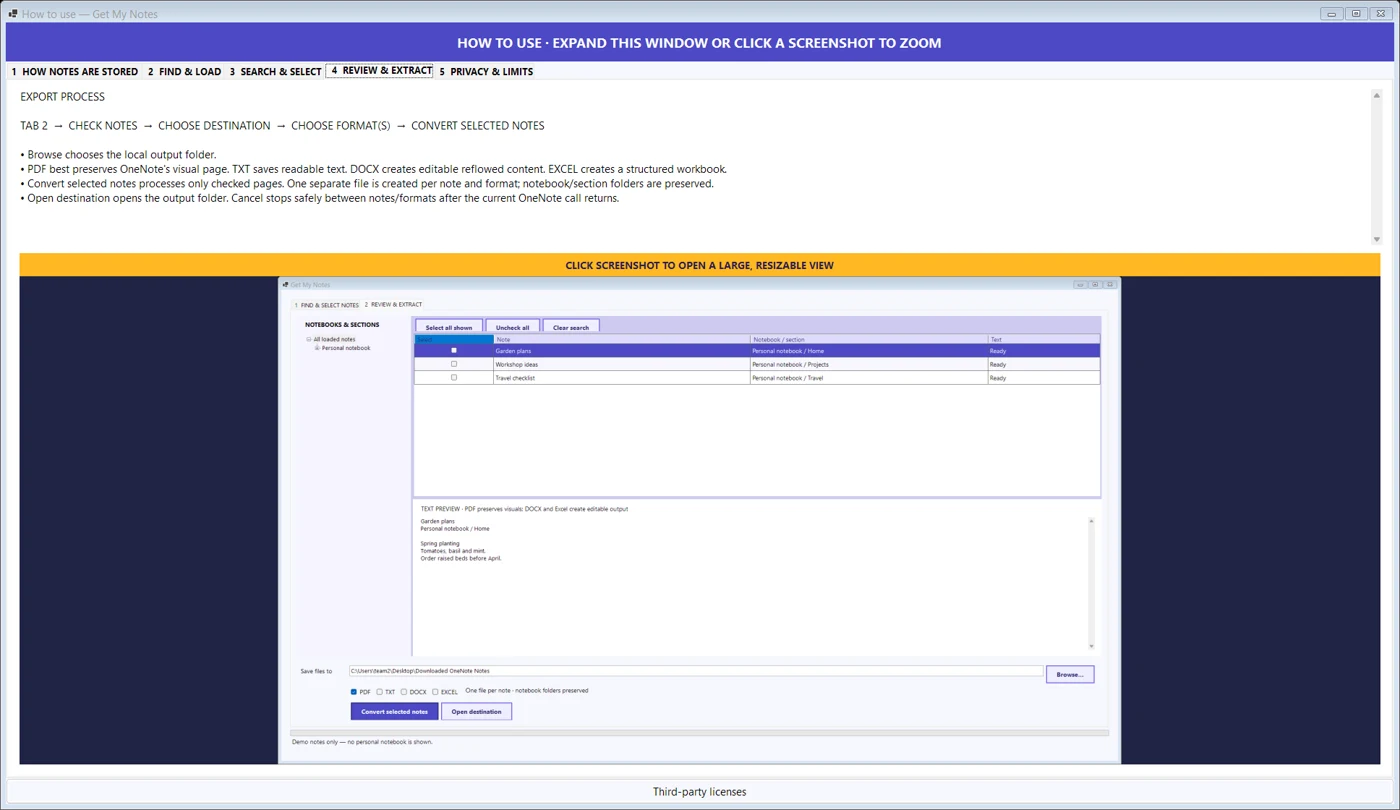
Check only the notes you want, including selections outside the current filtered view.
- 4
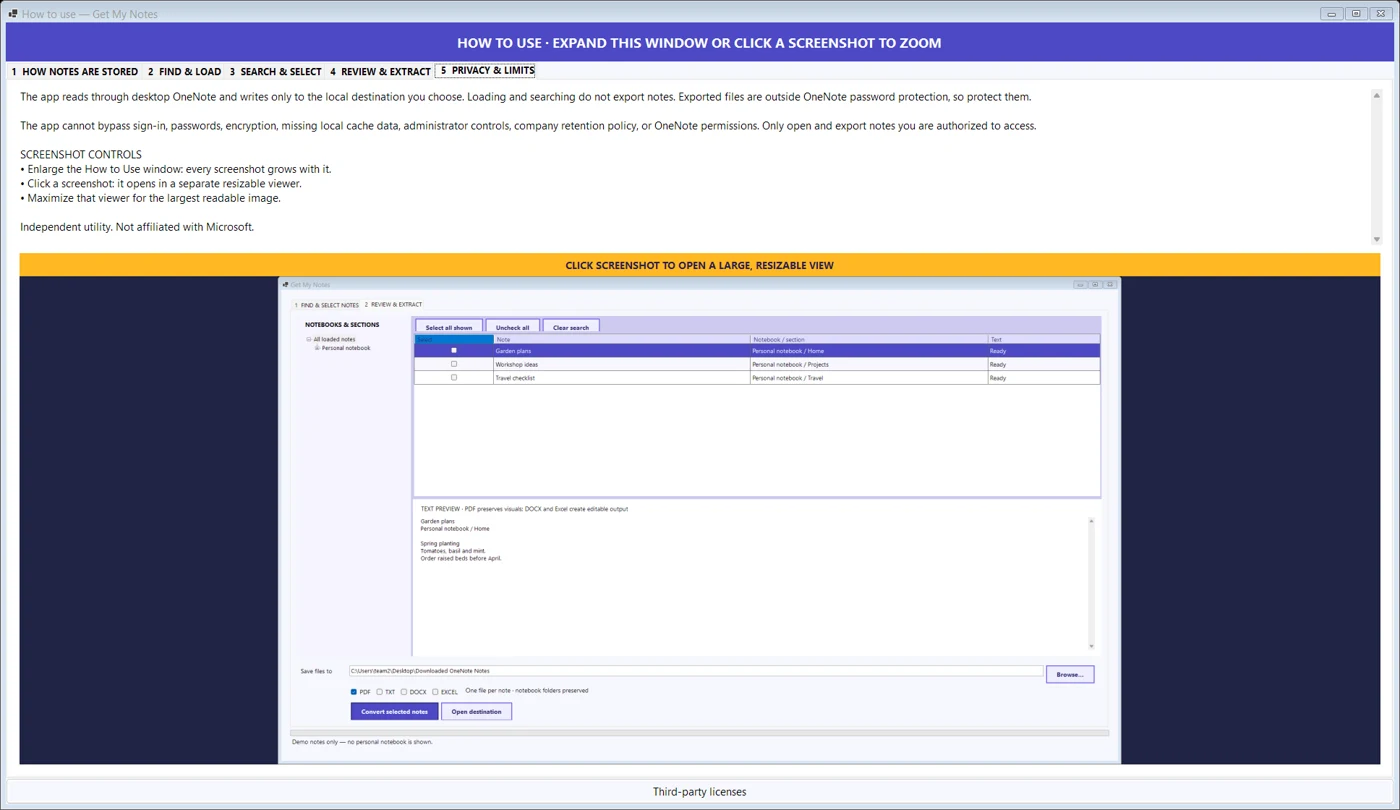
Choose PDF, TXT or DOCX and export to a new dated folder; read the export report.
Inside the app
See the workflow.
Get My Notes for OneNote
Discover local note sections, search first, choose the notes you want and export selected notes into useful files.
Get it in Microsoft Store ↗← Explore all Microsoft appsMore from DooToob