Find your next stop
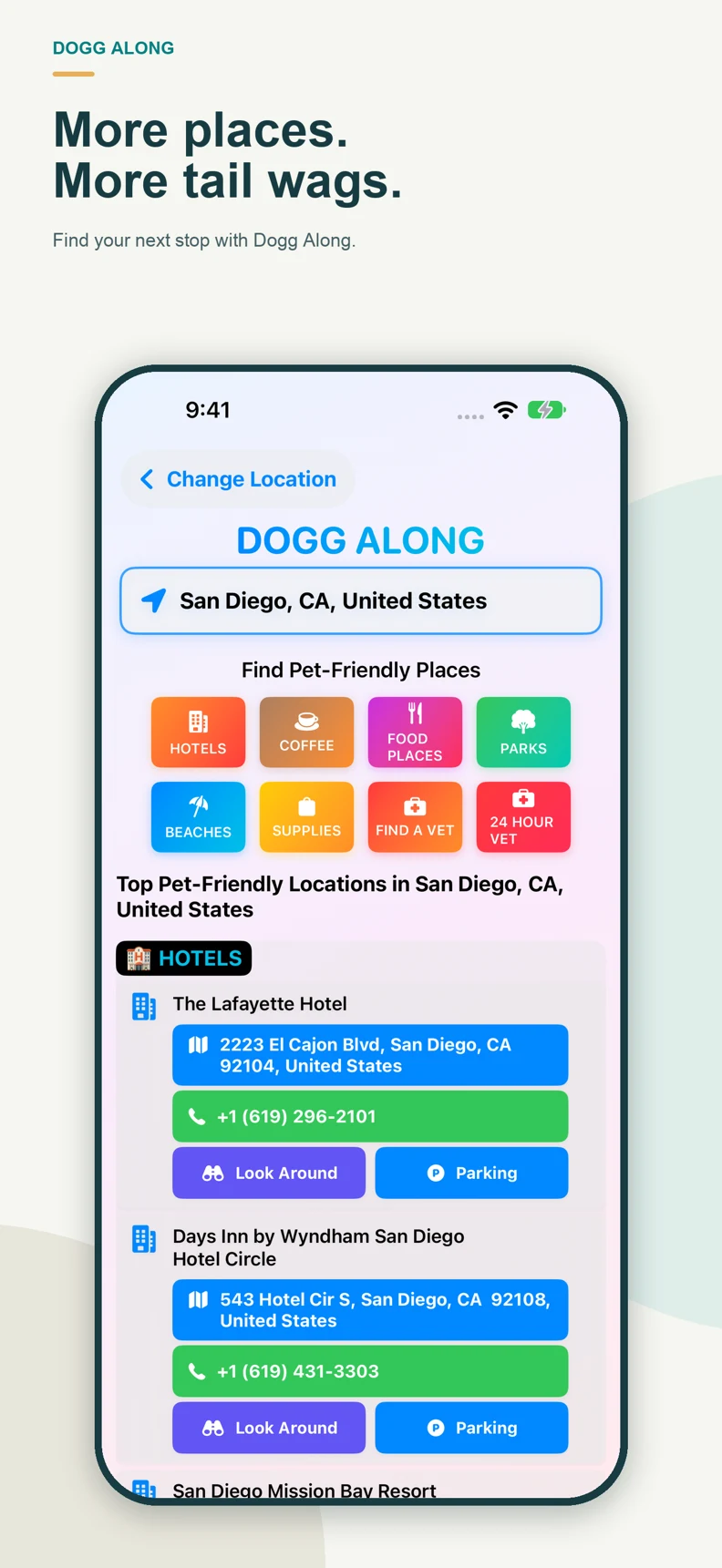
Explore hotels, coffee shops, restaurants, parks and beaches with searches focused on dog-friendly places. Search for pet supplies, vets and 24-hour veterinary services, too.
Dogg Along / iPhone & iPad
Your next adventure is better with your dog. Find ideas for a coffee stop, a day at the park or a weekend somewhere new.
Version 2.1 submitted to Apple. Waiting for Review. Public release follows approval and developer release.
From a simple starting point
Explore hotels, coffee shops, restaurants, parks and beaches with searches focused on dog-friendly places. Search for pet supplies, vets and 24-hour veterinary services, too.
View place details on the in-app map, see available phone numbers and search for nearby parking. Look Around imagery is available in supported locations.
Search a city, state, county or country. Change location whenever you want. No account or device GPS permission is required.
A closer look
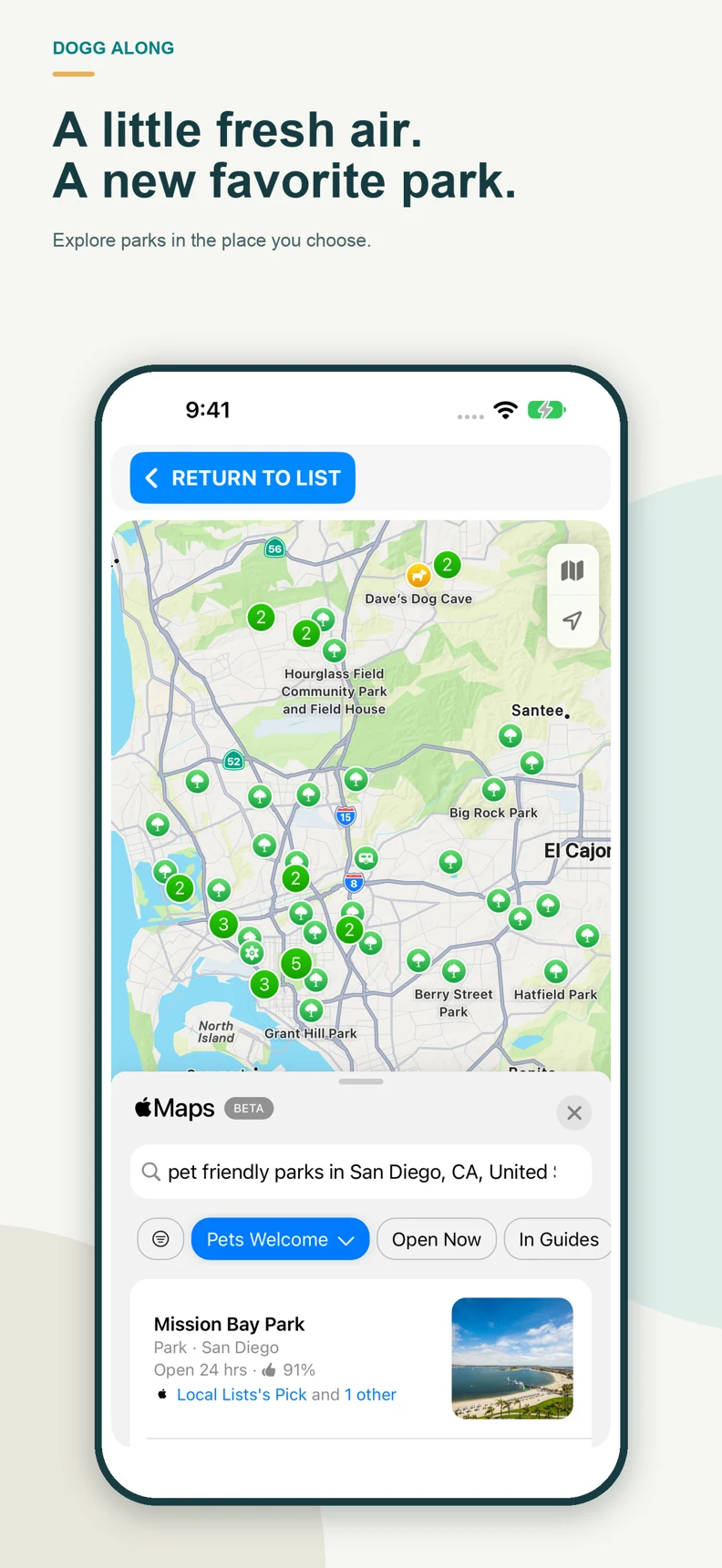
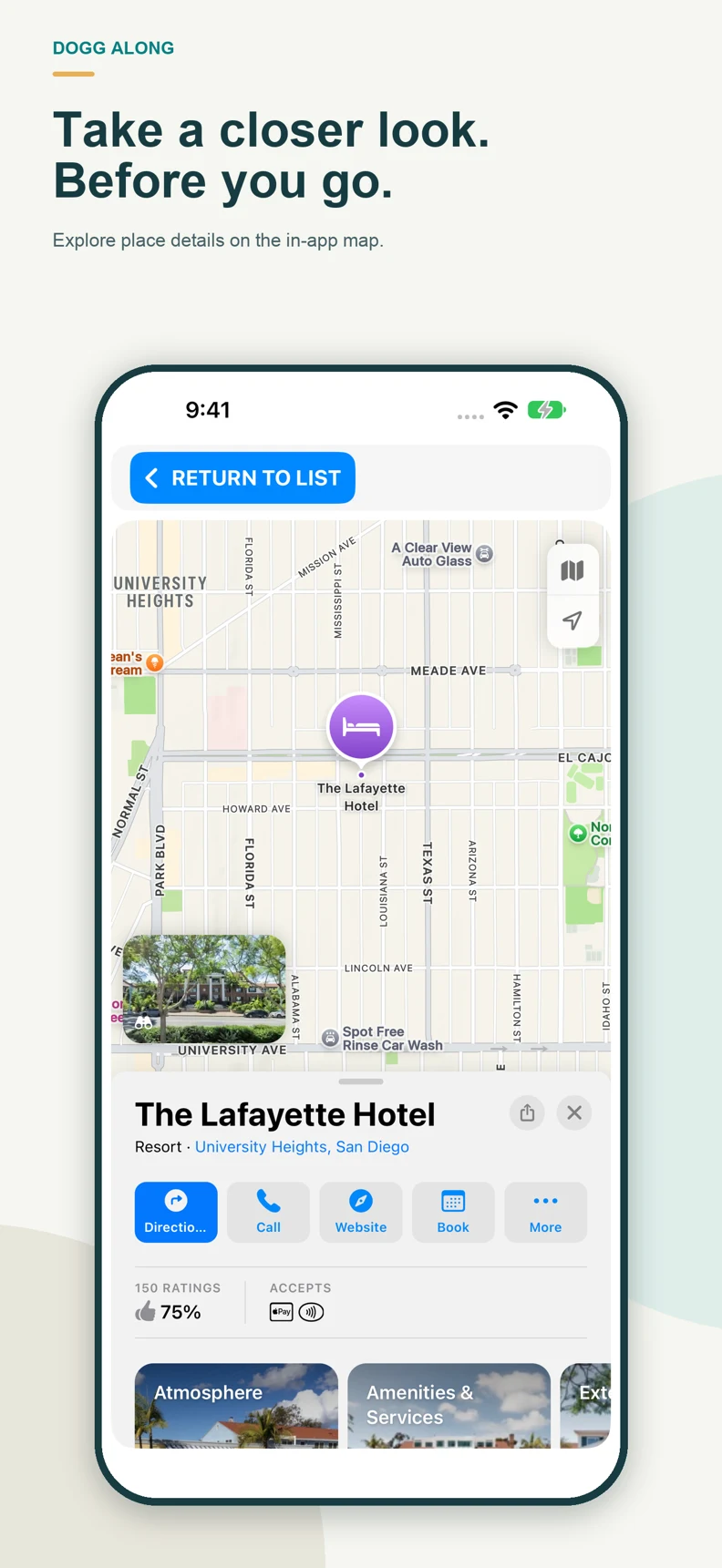
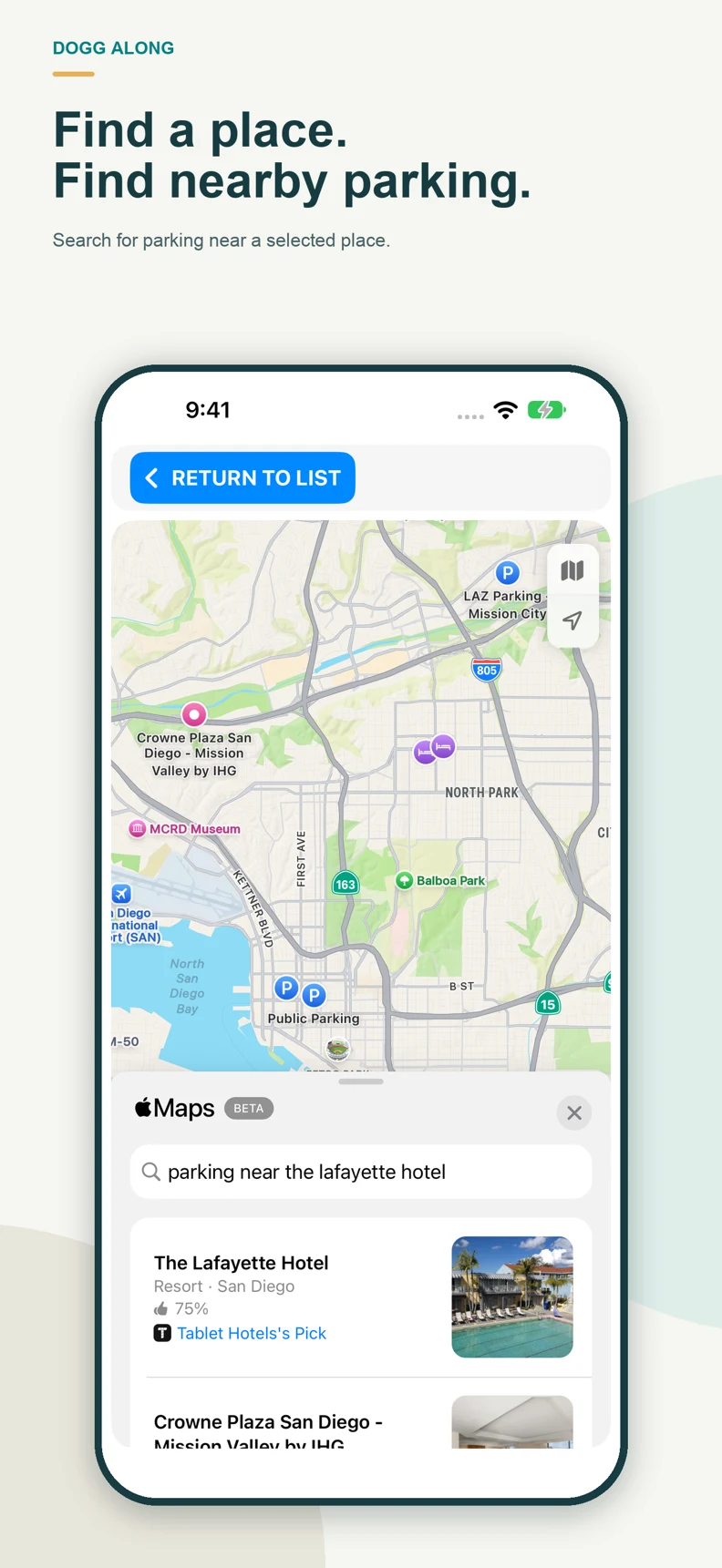
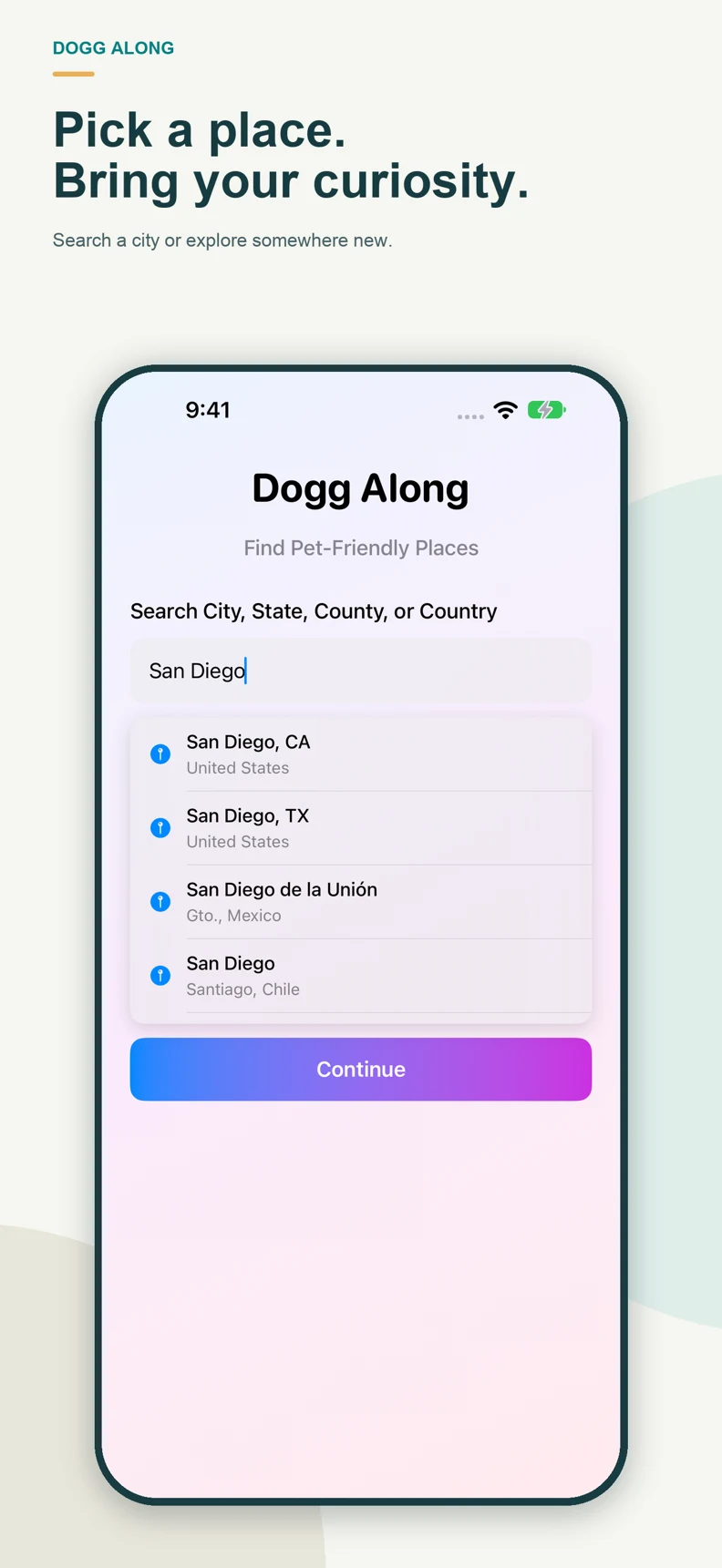
Results come from map searches and are suggestions, not verified pet-policy listings. Confirm pet access, hours, fees and availability directly before visiting. Call veterinary clinics to confirm their hours and services.
Email team2020@live.com with your device model, iOS version, app version and a description of the issue. Screenshots are helpful; leave out sensitive information.